



I’m enjoying my device. I have big screen tv on the wall and I watch the projector on the ceiling. The volume is not bad at all for being in a bedroom. I have not tried it on my outdoor rooftop yet. The clarity is pretty good no complaints. Overall I’m very satisfied and looking forward to rooftop outdoor movies.
I was skeptical no doubt, but this is basically a portable smart projection TV!! We have You Tube, Vudu, Prime, and all of Google Play store at our finger tips wherever we go!!! The picture clarity is astoundingly good. It’s super easy to use and set up. I have recommended this to everyone who has asked and people are impressed with it - every place I take it to!
This projector is amazing! It was so easy to setup that I didn't even need to read the directions. I loaded Hulu and Paramount Plus and logged in with no issues. The clarity of the picture is outstanding! I love it so much I ordered two more as gifts. If you choose to order one for yourself, I promise you won't be disappointed!
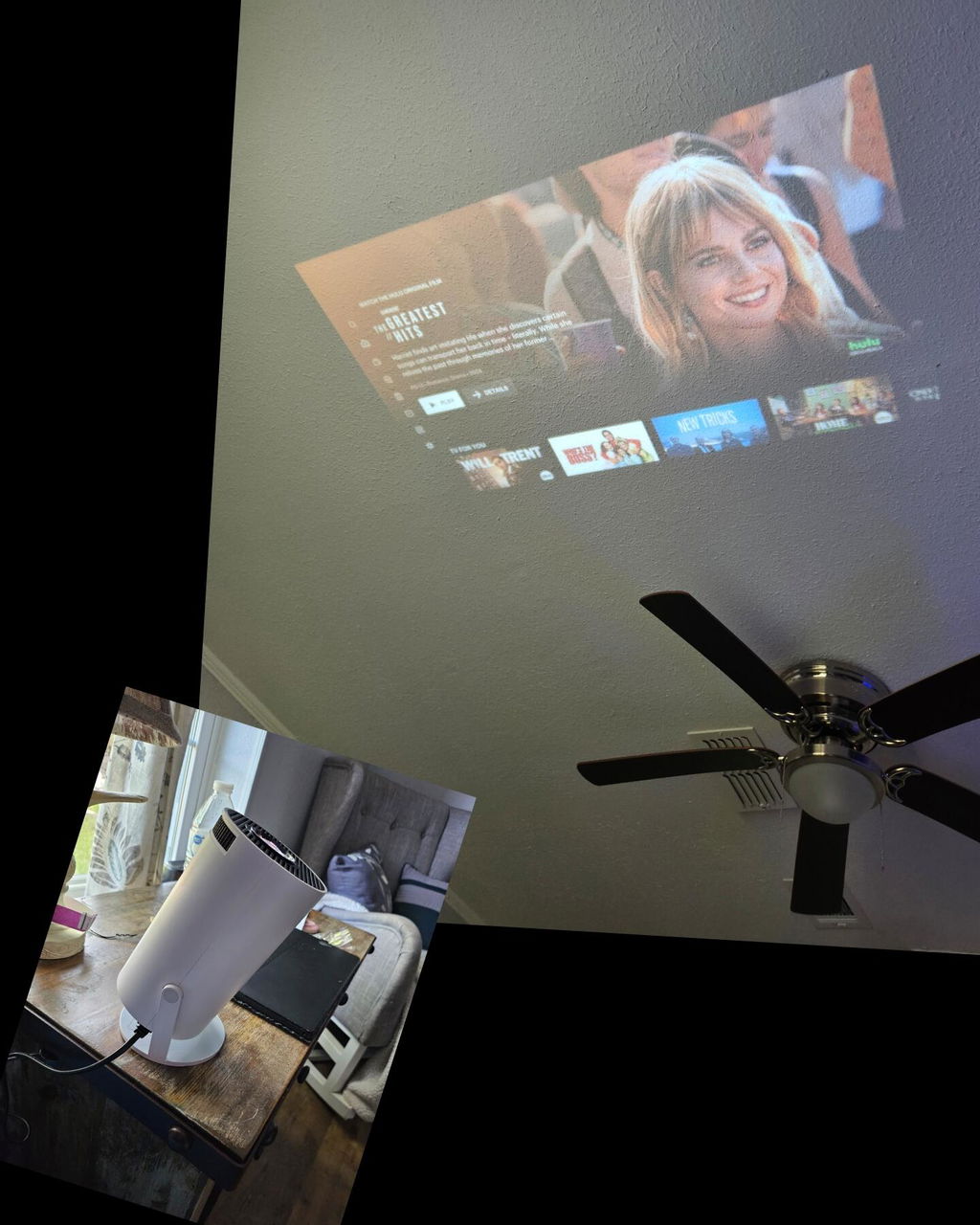
The only reason it’s not a 5 is because it doesn’t play when using my phone. It connects but doesn’t play. This is really the only reason I bought this thing. But image quality it legit. It’s worth the cost.
Thank you for taking the time to share your experience with the VisionBeam™ projector. We’re thrilled to hear you’re impressed with the image quality!
Regarding your concern about connecting your phone, we recommend trying the Airscreen or Eshare apps available on the Google Play Store on your VisionBeam™ for iPhone and Mac users. These apps are designed to make streaming from your devices seamless. For Android devices, you can utilize the pre-installed app for easy screen mirroring.
Our team is here to ensure you get the most out of your VisionBeam™ projector. If you need further assistance or have any more questions, please don’t hesitate to reach out to us at hello@vision-beam.com. We’re committed to making your viewing experience the best it can be.
Best,
Emily, Vision Beam Team
Can you use the internet via an iPhone and project it ?
Thank you for your question! Yes, you can definitely use the internet via your iPhone and project it onto the VisionBeam™. Just connect your iPhone and VisionBeam™ to the same Wi-Fi network and use AirPlay to start mirroring. Let us know if you have any other questions. Happy projecting!
Best,
Emily, Vision Beam Team
Ordered these boots months ago and still have not received them, I'm thinking I got screwed most likely.
Have yet to receive the product